On this page
What Pages Does a Small Business Website Need?

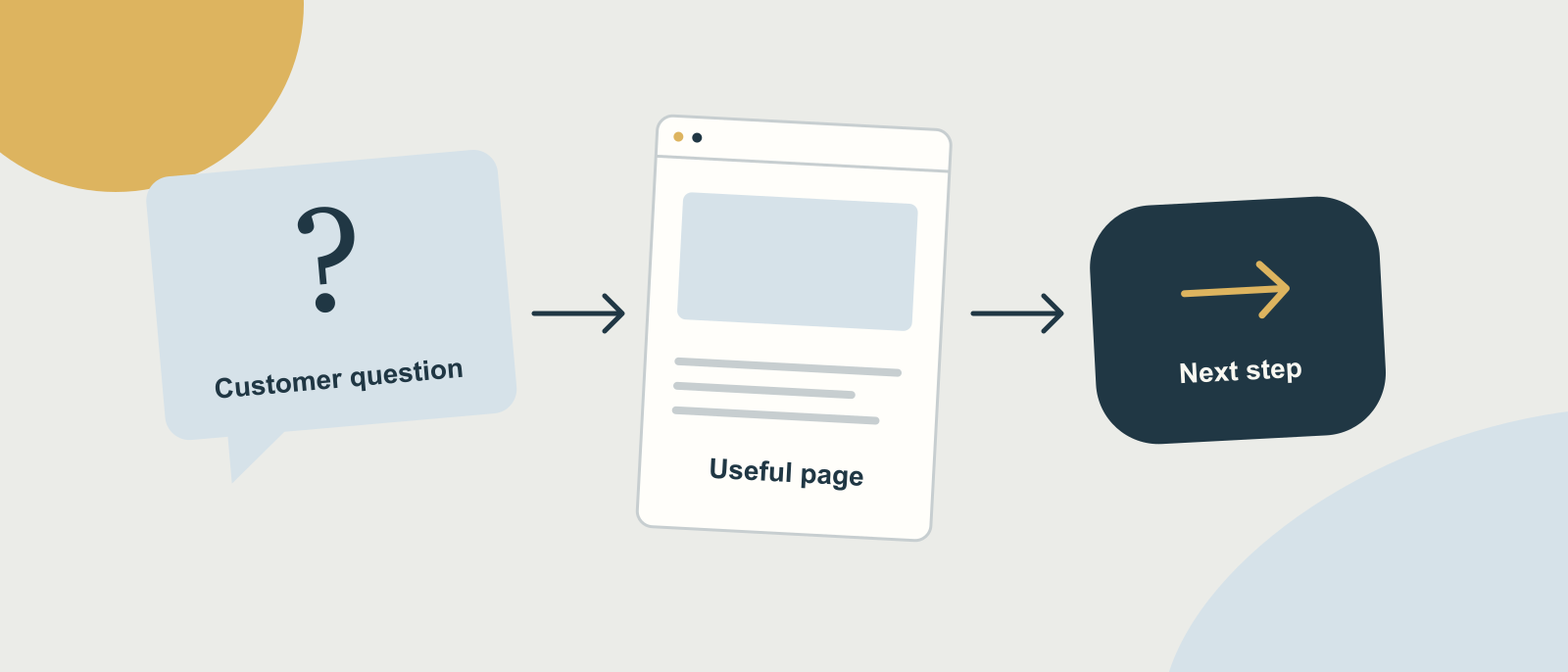
A small-business website has to explain what you do, who you can help and how someone takes the next step. People also need enough to judge the cost and decide whether to trust you. How many pages that takes depends on the business.
I’m Matt. I research and write websites as well as building them. I start a page plan with the questions a customer needs answered, then work out which questions belong together.
Give each page a job
Write one sentence describing what someone should understand after reading the page. If you can’t, the page probably needs more thought.
The homepage usually introduces the business and points people towards the right detail. It doesn’t have to explain everything.
A service page tells someone what you offer and how it works. An about page lets them meet the person or business doing the work. Contact information gives them a way to enquire, with enough detail to know what happens next.
Prices may deserve their own page, especially when the cost needs explaining. Evidence can sit alongside a service, or in a case study someone can read in more depth.
These are jobs the website has to do. Some businesses can fit several on one page. Others need more room.
When does a service need its own page?
When a visitor needs a separate explanation to decide whether it fits their situation.
Maybe the work has its own process or cost, or a different kind of customer uses it. Or people search for it by a name that barely appears on your current site.
Keep services together when the explanation is short and the same information helps the same reader. I’d push back on splitting one paragraph into several nearly empty pages. It makes the site harder to use.
Search research helps you check the language people use. It doesn’t oblige you to publish a page for every variation of a phrase.
A real example: Vectis Home Physio
Jacob’s one-page Wix website was out of date within six months as his business grew. For the new Vectis Home Physio site, I researched what customers searched for and planned pages around the information they needed.
Someone arranging care for a parent has a different task from someone looking for help for themselves. So families and carers got their own starting point.
The fees page does a different job again. It explains the cost alongside what a home visit involves.
| What a visitor needs to do | The page that supports it |
|---|---|
| Find out what Vectis Home Physio offers on the Isle of Wight | Homepage |
| Read about a particular kind of physiotherapy | A relevant service page |
| Arrange help for a relative | Families and carers |
| Understand costs and appointment details | Fees and home visits |
The table shows the needs each page answers. You can see the finished pages in the Vectis Home Physio case study.
Make a page plan for your own business
Pick one service you’d like more of the right enquiries for. Write down the questions people ask before buying it. Your recent emails are a good place to look.
For each group of questions, fill in this short worksheet:
- Who is this page for?
- What are they trying to decide or do?
- What facts do they need, including costs or practical limits?
- What real example or evidence can you show?
- What should they do next?
Then give the page a plain name. “Fees and home visits” tells a reader more than a clever label they have to decode. Clever labels rarely earn their keep.
Check whether an existing page already answers those questions. Updating it may be enough. If it covers a different subject, link the two so someone can move between them.
What about articles and a blog?
Articles earn their place when they answer a useful question in more depth. A comparison or a worked example gives someone information they aren’t ready to ask you for yet.
You don’t need to invent a stream of company news to fill a blog. Start with the questions that keep coming up in your work. And link each article to the relevant service or next step, where that helps the reader.
Google’s guidance on helpful content asks publishers to bring original information or analysis and make the author’s experience clear. A specific example from your own work gives you something to explain. A generic checklist can’t.
Check the route through the site
Once the plan makes sense, walk through it as a customer would. Start on the homepage and look for the right service. Then the cost. Then see whether you can get in touch from the page where you’d actually make the decision.
Keep the useful detail close to that decision. Someone reading about a service should reach its prices without going back to the homepage and hunting through the menu.
If you want someone to work through that plan and write the pages, website content is included in my Rebuild and Grow packages. You explain the business. I turn it into the content the site needs.
Keep reading


Have a website you keep meaning to sort out?
Tell me what’s changed in the business. We’ll work out what the website needs next.